KOBIL QR V3
KOBIL QR V3
The main task of this execution is to authenticate the user based on scanning a QR image generated and displayed in the webview. The QR code contains a nonce that must be scanned by the mobile application (client application), with communication handled via Server-Sent Events (SSE) instead of WebSocket used in V2.
This authenticator is available only on IDP Core version 5.3.0 or above.
Type
| Protocol | OpenID Connect 1.0 |
|---|---|
| HTTP method | GET |
| Type | Browser Flow |
| Endpoint | Authorization Endpoint |
| Flow Supported | Authorization code flow Implicit flow Hybrid flow |
| Response | ID Token, Access Token, Refresh Token |
| Response Mode | query, form_post, fragment |
How to configure
To configure the authenticator, follow these steps
- Select the Settings button.
- Click Config.
Choose the actions you want to proceed with and enter the necessary configuration data. By following these steps, you can successfully configure the authenticator.

Configuration
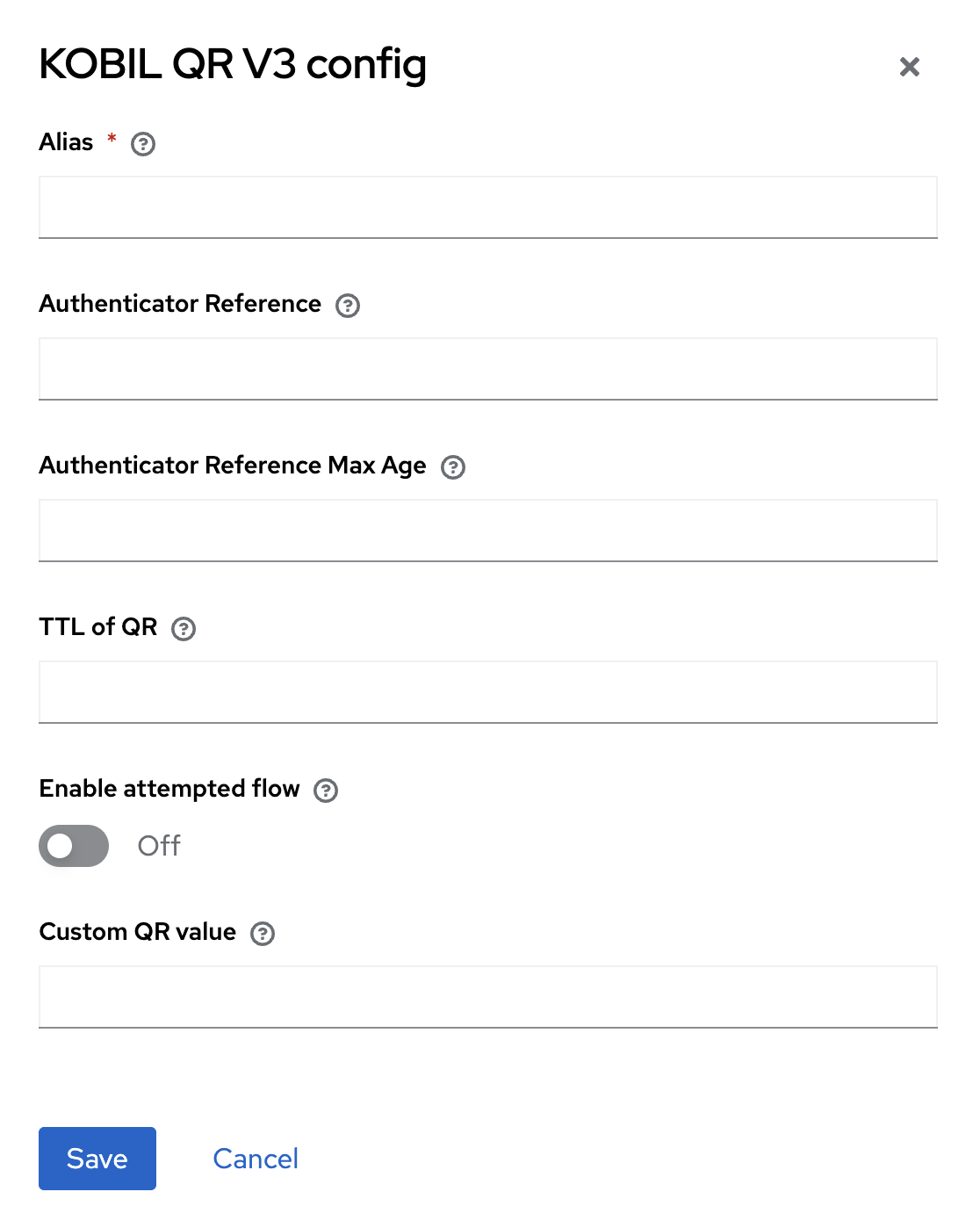
Parameters involved in KOBIL QR V3 execution
| Parameter | Description |
|---|---|
| ID | A unique system-generated UUID automatically assigned to each database record. |
| Alias | Name representing the overall configuration within a specific authenticator. |
| TTL of QR | Sets the QR code timeout in seconds (e.g, 20 seconds), with a default of 120 seconds. |
| Enable attempted flow | Option to skip the current authenticator/flow and proceed to the next one. |
| Custom QR value | Option to Provide deeplink URL, which will act as alternative to QR scanning. |
User Flow
This execution contains following main steps:
-
The web app generates and displays a QR code containing random values, called a nonce. The user scans it using the mobile app, and upon successful authentication, they are logged in.
-
The system will fail authentication due to a transaction timeout if the QR code is not scanned
Note: Timeout seconds can be set by the client as per their requirement in
TTL of QRconfiguration.